Is Your WordPress Backup Really Safe?
Having a backup is not the same as being able to restore. What a safe WordPress backup looks like and how to…
The usual reasons a WooCommerce checkout feels slow, how to find the real cause with simple measurements, and the fixes that tend to help most.
When your WooCommerce checkout is slow, it costs you money, because the people who reach it are the ones ready to pay. The frustrating part is that a slow checkout rarely has one cause. The good news is that you can usually find the biggest one with a few measurements, instead of guessing.
Product and blog pages can be cached and served almost instantly. The cart, checkout and account pages are personal to each visitor, so they must be generated fresh every time. That means every extra plugin, database query and outside request on those pages is paid for by your customer, in waiting time.
Fee calculators, upsell tools, address helpers, anti-fraud checks, tracking and loyalty plugins all add code to the checkout. Each one is small. Together they add up.
When a customer changes their address, WooCommerce refreshes the order review through an AJAX request. If your shipping plugin asks a courier’s server for live rates on every refresh, the checkout waits for that reply.
Gateways load their own JavaScript, sometimes from several domains. A heavy script, or one that is slow to respond, delays the page even though your own server is fast.
Many themes and plugins refresh the mini-cart through an AJAX call on every page view. On a slow server that single request can become the slowest thing on the page.
Large amounts of expired sessions and transients, and options that load on every request, make every page slower. Recent versions of WooCommerce can store orders in dedicated tables (High-Performance Order Storage), which helps stores with many orders. Check whether your store and your plugins support it.
An old PHP version, too little memory, no object cache, or an overloaded shared server all show up as a slow first response (TTFB) on every request.
wc-ajax=update_order_review. If it takes seconds, the cause is on the server: shipping, tax or a plugin.Nobody can honestly promise a specific load time or a specific increase in sales. What you can do is remove the biggest bottleneck, measure again, and repeat. Always test the full checkout, including a failed payment, after any change.
If your WooCommerce checkout is slow, work through these four steps before changing anything.
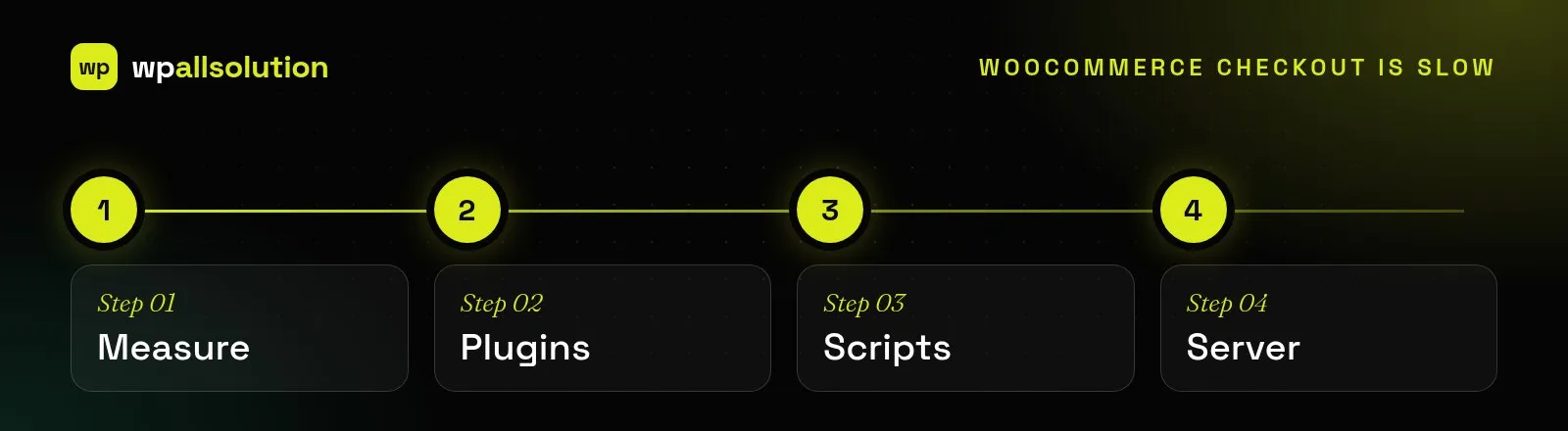
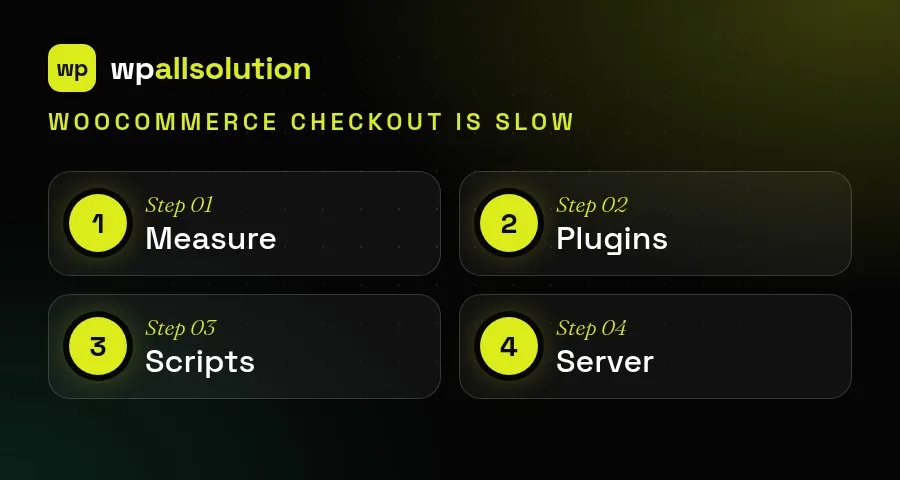
Checkout is different from the rest of your site because it cannot be cached the same way. Every visit does real work: it checks stock, calculates shipping and tax and talks to the payment provider. That is why a few extra plugins or scripts can hurt here far more than on a blog page. Measure the checkout on a real phone connection, change one thing at a time and keep notes, so you know what actually helped.
For more detail, see the WooCommerce developer documentation.
We can audit your checkout, fix the bottleneck and test the complete flow. See checkout optimization and WooCommerce development.
Having a backup is not the same as being able to restore. What a safe WordPress backup looks like and how to…
What a good WordPress maintenance plan covers, what it usually does not, and the questions to ask before you choose one.
Where AI genuinely helps a WordPress site, where it does not, and how to add it safely: keys, privacy, cost limits and…