Is Your WordPress Backup Really Safe?
Having a backup is not the same as being able to restore. What a safe WordPress backup looks like and how to…
Where AI genuinely helps a WordPress site, where it does not, and how to add it safely: keys, privacy, cost limits and honest limits.
AI features can make a WordPress site more helpful. They can also leak data, run up bills and confidently say things that are wrong. This guide is about adding AI to WordPress responsibly: getting the benefit while managing those risks.
Your AI provider’s API key must never appear in JavaScript or in a page’s source. Call the provider from your server (a WordPress REST endpoint, for example) and store the key in your server configuration, not in the database or the front end.
Anything that calls a paid API needs protection: a nonce or capability check, rate limits per visitor, and a hard monthly cost cap. Without limits, one bot can empty your budget overnight.
A support assistant should answer from your approved content and say “I do not know, please contact us” when it cannot. Tell it, in its instructions, what it must not do: make promises, give legal or medical advice, or ask for passwords.
Keep logs short and avoid storing conversations longer than you need to. Tell users when they are talking to an AI, and update your privacy policy to describe what is sent to which provider.
Providers have outages and sometimes change their behaviour. If the AI is unavailable, the page should still work and offer a normal contact option.
Try off-topic questions, attempts to make the assistant ignore its instructions (prompt injection) and requests for private information. Fix what you find before launch.
AI is a tool, not a guarantee. Review its output, monitor the cost and the quality, and keep a human route for anything important. Features in this area change quickly, so check current provider and WordPress documentation before you commit to a design.
Before adding AI to WordPress responsibly, check these four points.
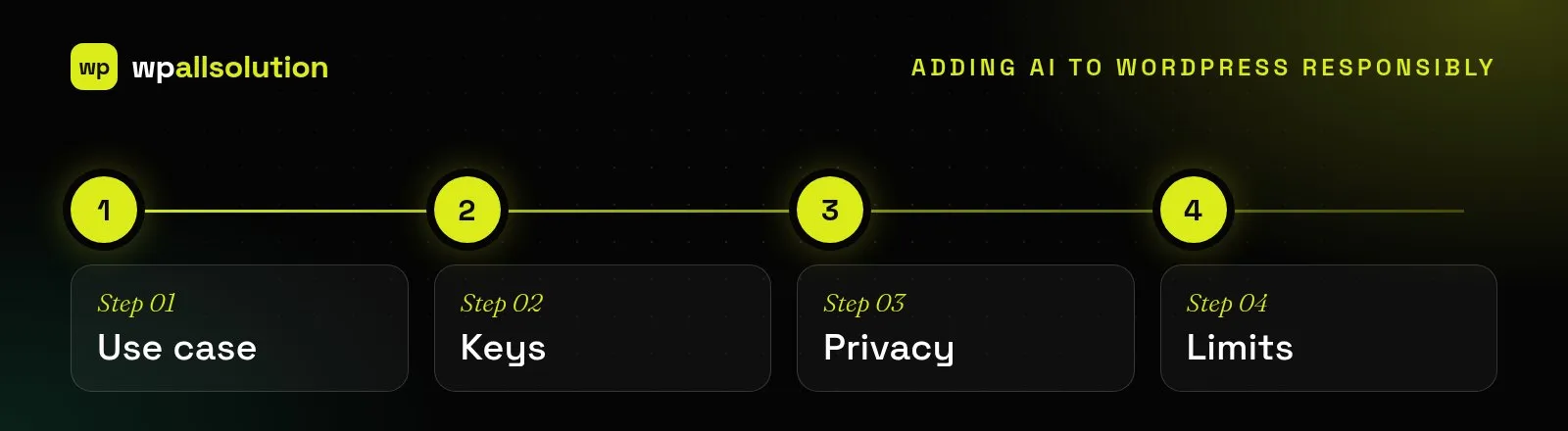
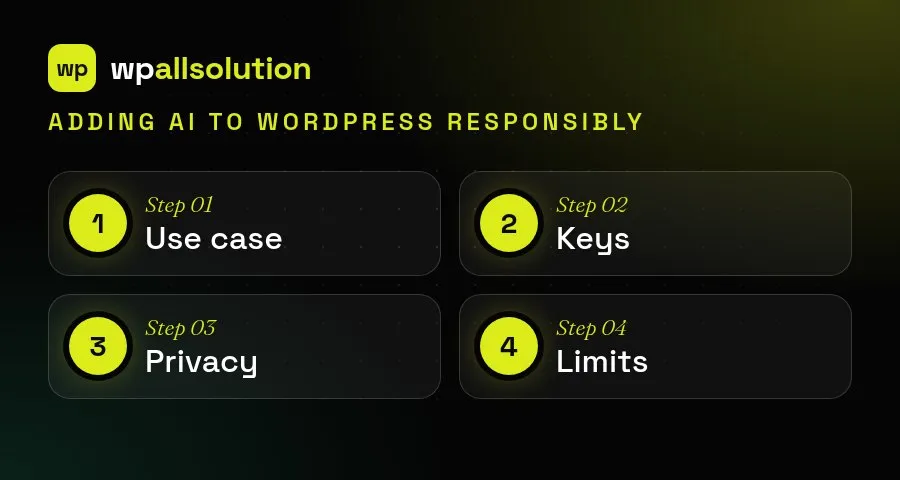
Start small. A single, well-defined feature such as an assistant that answers questions from your own content is easier to secure, test and explain than a broad chatbot. Keep keys and prompts on the server, limit how often the feature can be used and make sure users can reach a human. Tell visitors when they are talking to an AI, and plan for the times it is wrong or the provider is unavailable.
For more detail, see the WordPress AI team.
We help choose use cases that are worth building, then build them with server-side calls, guard-rails and admin controls. See WordPress AI integration.
Having a backup is not the same as being able to restore. What a safe WordPress backup looks like and how to…
What a good WordPress maintenance plan covers, what it usually does not, and the questions to ask before you choose one.
Native WordPress blocks or a page builder like Elementor? An honest comparison of speed, editing, lock-in and maintenance, and how to choose.