Is Your WordPress Backup Really Safe?
Having a backup is not the same as being able to restore. What a safe WordPress backup looks like and how to…
Native WordPress blocks or a page builder like Elementor? An honest comparison of speed, editing, lock-in and maintenance, and how to choose.
Custom blocks vs page builders is a question every WordPress project eventually asks: should the pages be built with WordPress’s own block editor (Gutenberg), perhaps with custom blocks, or with a page builder such as Elementor? Both can produce excellent sites. They suit different teams.
| Compared on | Native blocks and block themes | Page builders |
|---|---|---|
| Best for | Content-led sites, long-term maintainability, consistent design | Marketing teams who want visual freedom and change layouts often |
| Speed | Usually lighter by default | Fast when built carefully, heavier when not |
| Editing | Familiar WordPress editor, predictable output | Drag-and-drop, very flexible |
| Lock-in | Low: content stays standard WordPress | Higher: layouts live inside the builder |
| Watch out for | Very custom layouts may need custom blocks | Some features need paid versions; add-ons add weight |
Native blocks output fairly plain markup and load only what they need, so they are often lighter out of the box. Page builders generate more markup and load their own scripts and styles. A careful builder site can still be fast, and a careless block site can still be slow, but the starting point is different.
Page builders shine when someone wants to drag a section around and see the result immediately. Native blocks are more structured: you get consistent components, which is a strength for sites where design consistency matters more than freedom. With custom blocks and patterns, you can give editors exactly the building pieces your brand needs, and nothing that lets them break the layout.
If you stop using a page builder, its layouts usually do not move cleanly to another system, and you may be left with leftover shortcodes. Native block content is standard WordPress and is easier to carry forward. If you already have a builder site and it works well, that is not a reason to rebuild it. It is a reason to know your exit options.
You do not have to choose one forever. A common approach is a block theme or custom theme for the structure, a small set of custom blocks and patterns for the repeating parts, and a structured fields plugin where content needs strict control. That gives editors a clean experience without handing them a blank canvas.
When comparing custom blocks vs page builders, these four questions usually decide it.
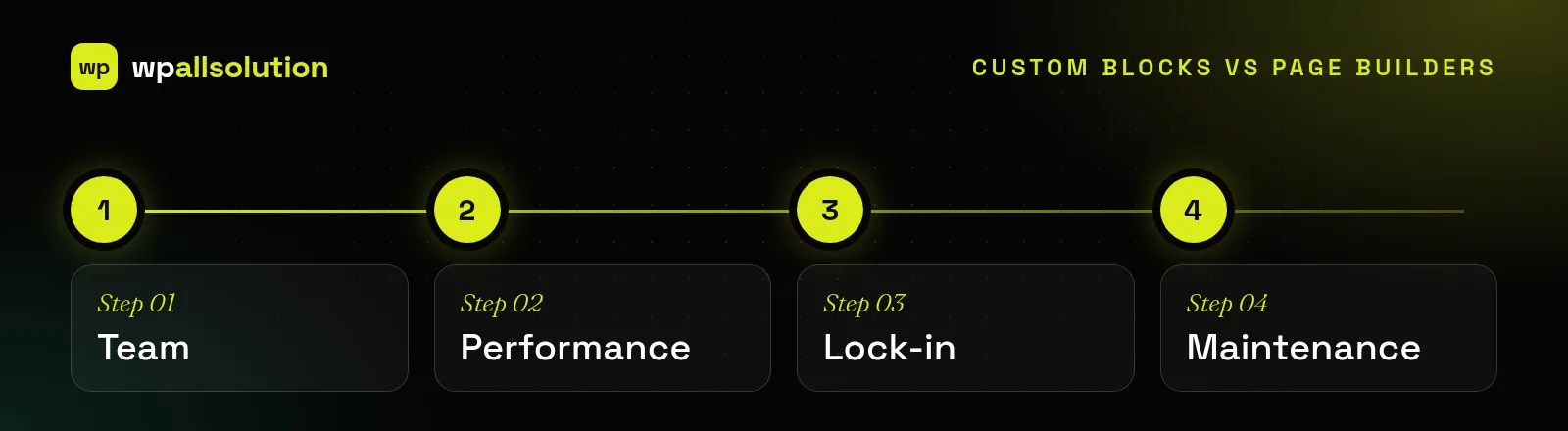
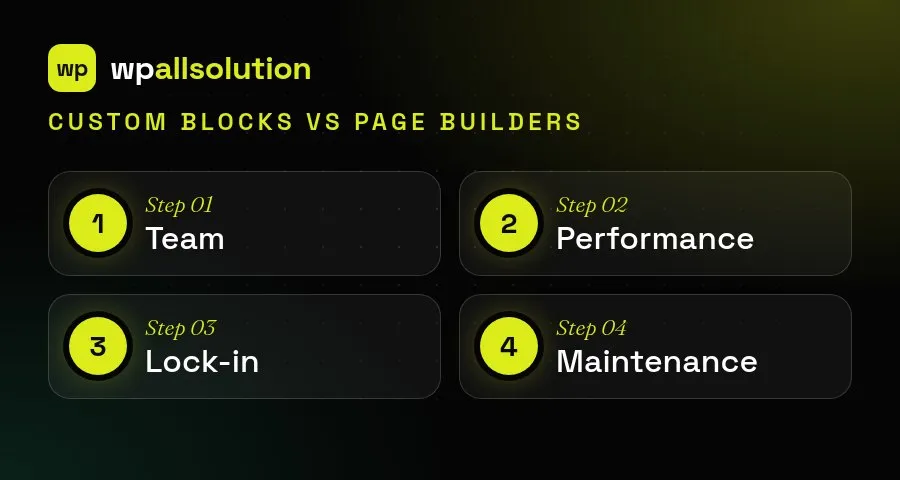
There is no universal winner. Native blocks tend to be lighter and easier to maintain, while page builders give marketing teams visual control straight away. The honest question is who will edit the site and who will maintain it in two or three years. A middle path, such as a small set of custom blocks and patterns, often gives editors flexibility without the weight of a full builder.
For more detail, see the Block Editor Handbook.
Not sure which fits you? Our technologies page compares them in more detail. We build with Gutenberg blocks and Elementor, and can move you between them with page builder migration.
Having a backup is not the same as being able to restore. What a safe WordPress backup looks like and how to…
What a good WordPress maintenance plan covers, what it usually does not, and the questions to ask before you choose one.
Where AI genuinely helps a WordPress site, where it does not, and how to add it safely: keys, privacy, cost limits and…