How to Update WordPress Plugins Safely
A practical checklist for updating WordPress plugins without breaking your site: backups, staging, what to read first and what to test afterwards.
What a good WordPress maintenance plan covers, what it usually does not, and the questions to ask before you choose one.
WordPress maintenance is the routine work that keeps a site secure, fast and working. It is easy to ignore because nothing seems wrong, right up until something is. This article explains what WordPress maintenance includes, so you can compare options honestly.
WordPress core, themes and plugins need regular updates. A good plan does more than click the button: it tests important updates, handles major version changes carefully and has a way back if something goes wrong. See our guide on updating plugins safely.
Backups should be automatic, stored away from your web server, and tested. A backup stored on the same server as the site disappears with it. Ask how often backups run and how long they are kept.
Uptime checks tell you when the site goes down, before a customer does. SSL monitoring warns you before a certificate expires, and expired certificates scare visitors away.
Basic security means reviewing user accounts and permissions, removing unused plugins and themes, protecting the login, and scanning for known vulnerabilities. Higher-level plans may add stronger hardening and faster response if something is compromised.
This is where misunderstandings happen, so ask directly. Typically not included:
To recap what WordPress maintenance includes, a good plan covers these four areas.
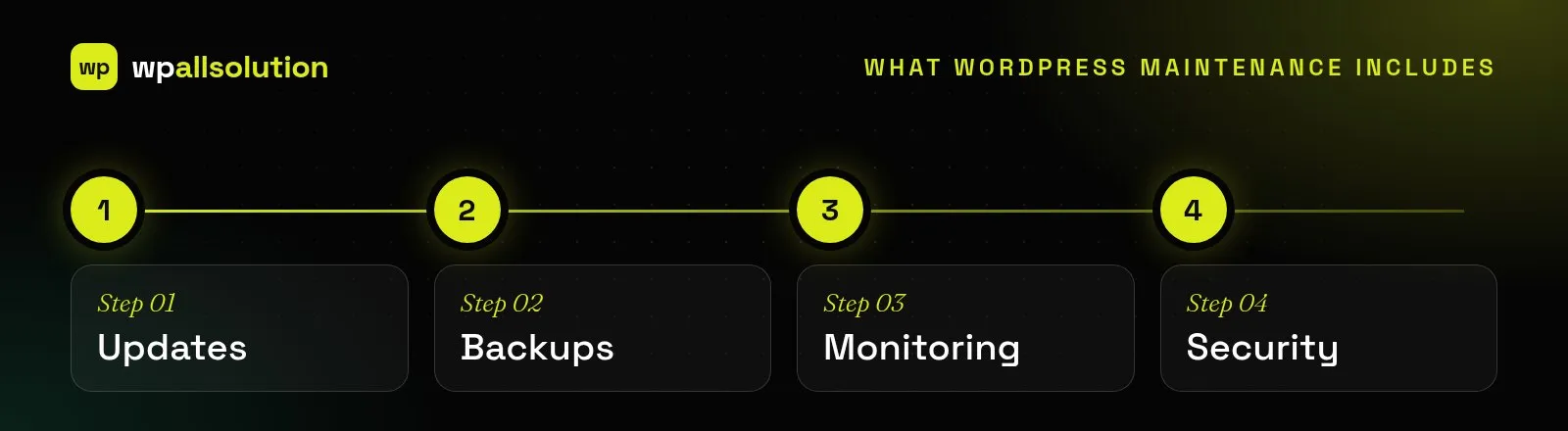
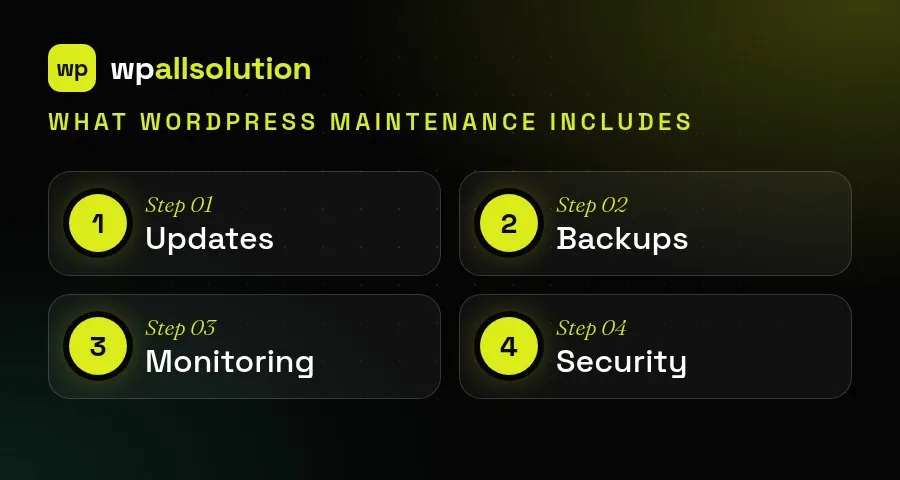
When you compare maintenance plans, ask what is tested rather than only what is updated, where backups are stored and how quickly you can restore, what is monitored and who is told, and what is explicitly not included. A plan that is clear about its limits is usually more trustworthy than one that promises everything. Choose the lightest plan that covers your real risks and review it once a year. Ask for the details in writing: which updates are tested, where backups are stored, what is monitored, how fast you get a reply and what costs extra. Plans that spell this out are easier to compare and avoid surprises later. Review your plan once a year, because your site changes and so do its risks.
For more detail, see the guide to WordPress backups.
A small brochure site mostly needs updates, backups and monitoring. A business site benefits from added security and performance work. A store, or any site where downtime costs real money, needs WooCommerce care, a staging environment and faster responses.
Our maintenance packages are laid out the same way, with what is included, what is excluded, response times and terms on the pricing page.
A practical checklist for updating WordPress plugins without breaking your site: backups, staging, what to read first and what to test afterwards.
Having a backup is not the same as being able to restore. What a safe WordPress backup looks like and how to…
Where AI genuinely helps a WordPress site, where it does not, and how to add it safely: keys, privacy, cost limits and…