What WordPress Maintenance Includes
What a good WordPress maintenance plan covers, what it usually does not, and the questions to ask before you choose one.
A practical checklist for updating WordPress plugins without breaking your site: backups, staging, what to read first and what to test afterwards.
Here is how to update WordPress plugins safely. Updates fix security problems and bugs, so skipping them is risky. But an update can also change how a plugin behaves, and a plugin that touches your checkout, forms or page layout can break something important in seconds. The goal is not to avoid updates. It is to make them boring.
wp plugin list --update=availableThere is no single “correct” order, but a few habits keep risk low:
From the command line, updating a single plugin looks like this:
wp db export before-update.sql
wp plugin update plugin-slugDo not just load the homepage. Walk through the things that make or lose you business:
Stay calm and change one thing at a time:
wp plugin deactivate plugin-slug. If you cannot reach the admin, rename that plugin’s folder in wp-content/plugins.WordPress can update plugins automatically. That is a sensible default for small security releases and for simple, low-risk plugins. For plugins that run your checkout, forms or layout, many site owners prefer to update manually, on a schedule, after a backup. Pick a rule and write it down so it does not depend on who remembers.
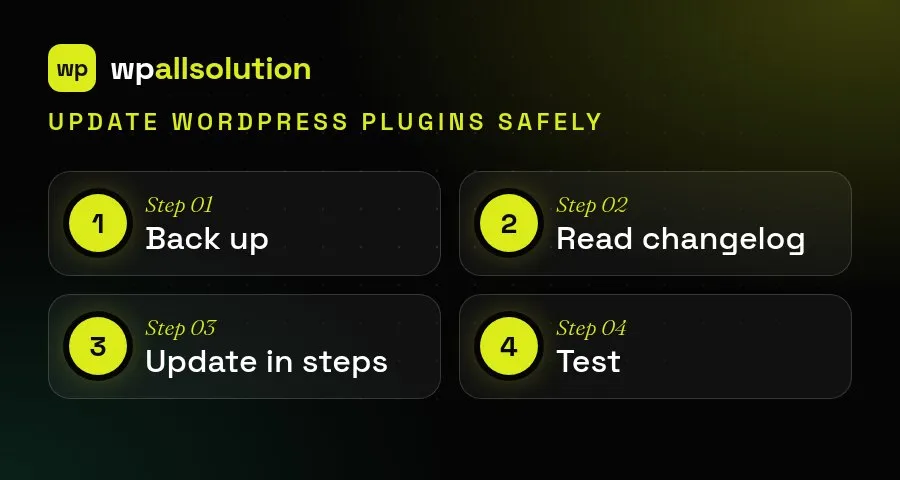
To update WordPress plugins safely, follow the same four steps every time.
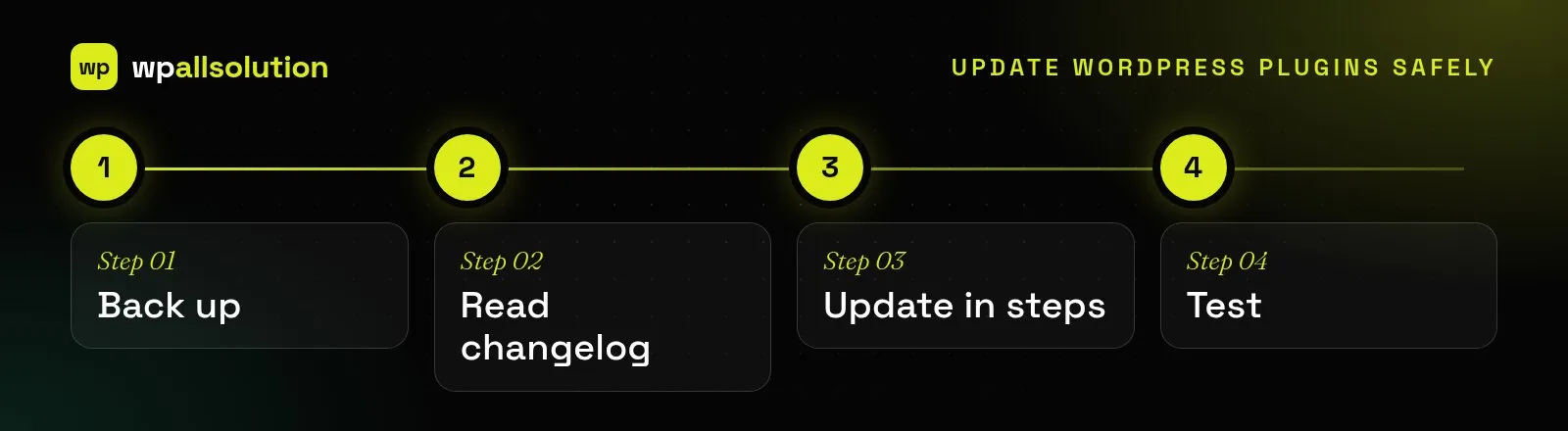
Updates are easier when they are routine. Choose a regular time, avoid updating just before a campaign or a busy weekend and keep a short list of the pages that must always work, such as checkout, contact forms and login. If a plugin has not been updated by its author for a long time, plan to replace it rather than hoping it keeps working.
For more detail, see the guide to WordPress backups.
Safe updates are a core part of our WordPress maintenance packages: core, theme and plugin updates, with major versions tested first, plus backups and monitoring. You can see what each package includes on the pricing page.
What a good WordPress maintenance plan covers, what it usually does not, and the questions to ask before you choose one.
Having a backup is not the same as being able to restore. What a safe WordPress backup looks like and how to…
Where AI genuinely helps a WordPress site, where it does not, and how to add it safely: keys, privacy, cost limits and…