Maintenance

Is Your WordPress Backup Really Safe?

Having a backup is not the same as being able to restore. What a safe WordPress backup looks like and how to test yours.

wpallsolution Updated 4 min read

Is your WordPress backup really safe? Most people believe they have a backup. Fewer have ever restored one. The difference matters on the worst day, when you find out the backup is missing a database, sits on the same broken server, or is three months old.

What a safe backup needs

  • Files and database. The database holds your pages, posts, settings and orders. The files hold your theme, plugins and uploads. You need both.
  • Offsite storage. A copy that lives only on your web server can be lost with it, whether from a failed disk, a hack or a hosting problem. Keep at least one copy somewhere else.
  • Sensible frequency. The right schedule depends on how often your site changes. A brochure site might be fine daily; a store that takes orders all day may need the database backed up much more often.
  • Retention. Keep several restore points, not only the latest. If a problem went unnoticed for a week, yesterday’s backup already contains it.
  • Protection. Backups contain private data, so store them securely and limit who can access them.

Is your WordPress backup really safe? The test most people skip

A backup is only proven when you restore it. Try this at least once, and again after big changes:

  1. Create a temporary staging site or a separate test location. Never practise on your live site.
  2. Restore the most recent backup there.
  3. Check that pages, images, forms and, if you sell, products and orders are all present and working.
  4. Write down how long it took and which steps were needed. In a real emergency, that note is gold.

Things that quietly go wrong

  • The backup plugin reports “success” but the archive is empty or incomplete, often because of a timeout on a large site.
  • The storage account fills up, and new backups stop without warning.
  • The backup was taken while a plugin was half-updated.
  • Your host’s backups cover only part of what you need, or are kept only for a few days.
  • Restoring an old backup on a store removes orders placed since then. Know your recovery plan for new orders.

Make it a habit

  • Take a fresh backup right before every update.
  • Get a notification when a backup fails, not only when it succeeds.
  • Check that backups exist and look the right size at regular intervals.
  • Run a restore test on a schedule you actually keep.

Is your WordPress backup really safe? A four-point recap

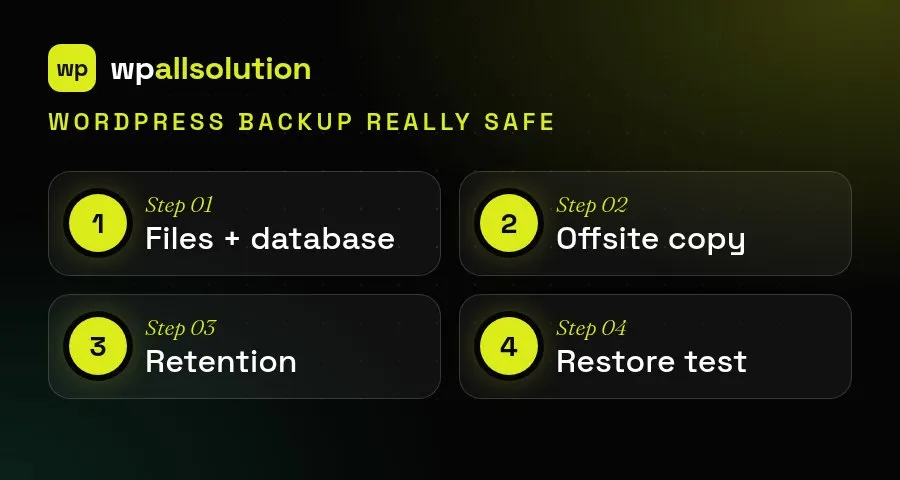
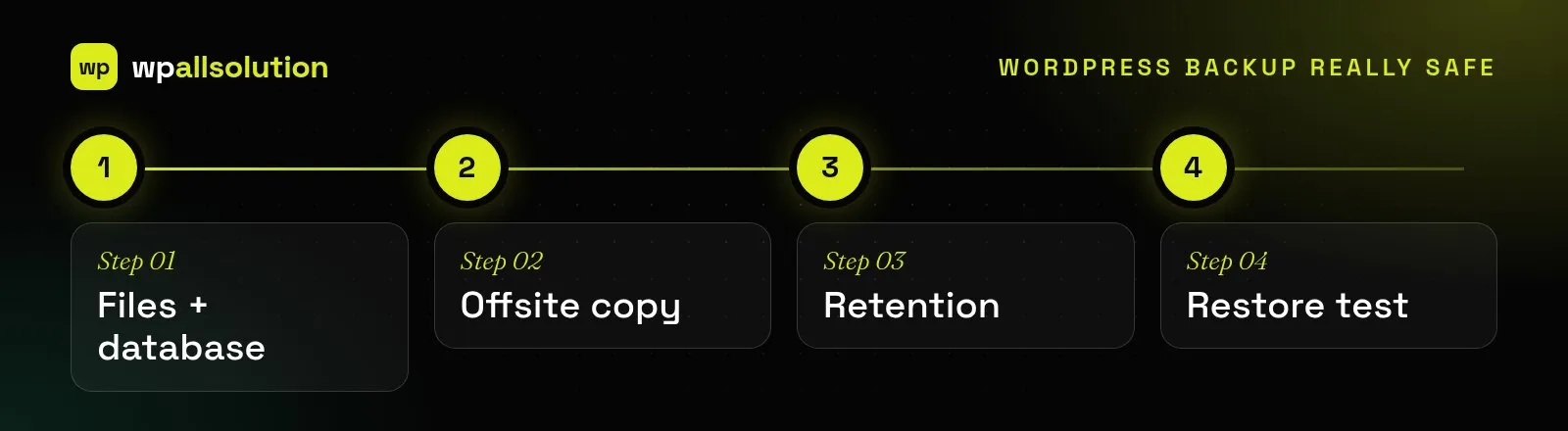
A WordPress backup really safe enough to rely on has four things in common.
Is your WordPress backup really safe? Files and database, offsite copy, retention and a restore testIs your WordPress backup really safe? Files and database, offsite copy, retention and a restore test
  • It includes both files and the database.
  • A copy is stored offsite.
  • Old copies are kept long enough.
  • You have tested a restore.

A backup is only useful if it can be restored. Many sites discover too late that backups were stored on the same server, were missing the database or had silently stopped. Schedule a restore test to a staging copy at least a few times a year, keep several generations of backups and store at least one copy away from your hosting account. Write down the restore steps so anyone on your team can follow them under pressure. Keep a simple record of your backups: where they are stored, how often they run, how long they are kept and who can restore them. A one-page note like this turns a stressful emergency into a routine task, and it makes it easy to check the plan again every few months.

For more detail, see the guide to WordPress backups.

Want this handled for you?

Daily offsite backups are part of every one of our maintenance packages, alongside updates and monitoring. For protection against attacks and a faster site, see security and speed optimization.

Keep reading

More guides

Maintenance

How to Update WordPress Plugins Safely

A practical checklist for updating WordPress plugins without breaking your site: backups, staging, what to read first and what to test afterwards.

Maintenance

What WordPress Maintenance Includes

What a good WordPress maintenance plan covers, what it usually does not, and the questions to ask before you choose one.

AI

Adding AI to WordPress Responsibly

Where AI genuinely helps a WordPress site, where it does not, and how to add it safely: keys, privacy, cost limits and…

Need a hand with this?

Tell us what is happening. We reply with honest next steps.

Talk to us