Is Your WordPress Backup Really Safe?
Having a backup is not the same as being able to restore. What a safe WordPress backup looks like and how to…
Practical ways to keep an Elementor site light: smaller pages, fewer add-ons, smarter images and fonts, and how to measure what actually helps.
Elementor is popular because it lets people build pages visually. It can also produce heavy pages when it is used carelessly. Here is how to keep Elementor sites fast: most slow Elementor sites are slow for a handful of fixable reasons.
Before changing anything, test your most important pages with PageSpeed Insights and the Lighthouse tab in Chrome. Note the Largest Contentful Paint (how fast the main content appears), layout shift and total page size. If you have enough visitors, Search Console’s Core Web Vitals report shows real-world data. Change one thing at a time and test again, so you know what helped.
Add-on packs bring dozens of extra widgets, and many load their own CSS and JavaScript. If you only use two widgets from a pack, consider whether a simpler approach would do. Remove add-ons you no longer use, and check what each one loads on a page that does not need it.
Large background videos, sliders, parallax and heavy entrance animations above the fold cost speed, especially on phones. Use them sparingly and test on a mid-range phone, not just your laptop.
Elementor has performance-related options, some labelled as experiments, and their names and availability change between versions. Read the notes for your version before enabling any, test your key pages afterwards, and switch it off again if something looks wrong.
To keep Elementor sites fast, measure first and then remove weight in this order.
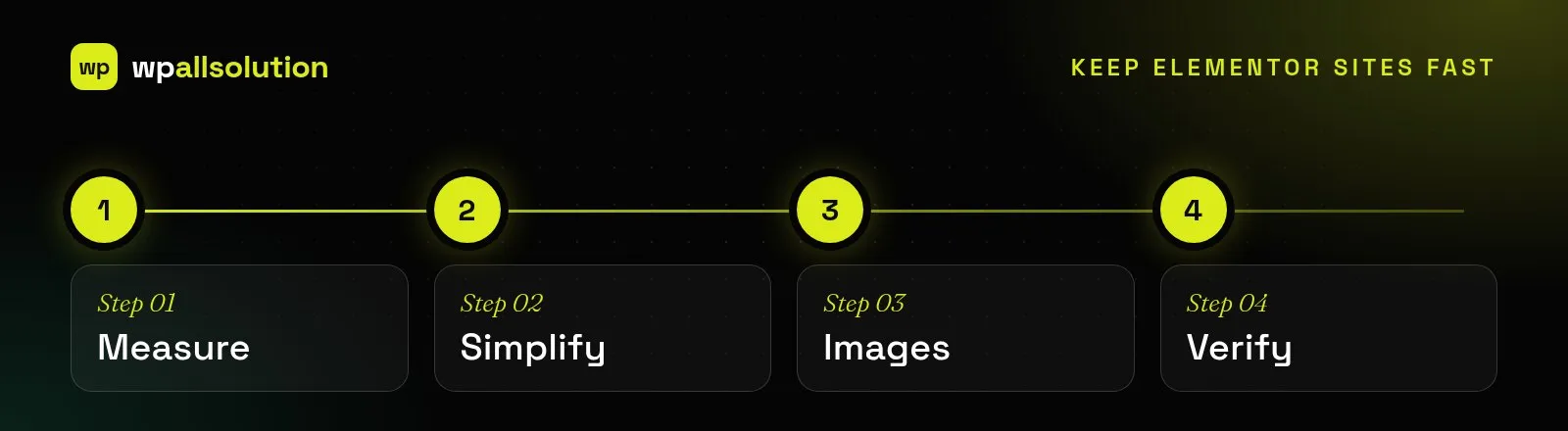
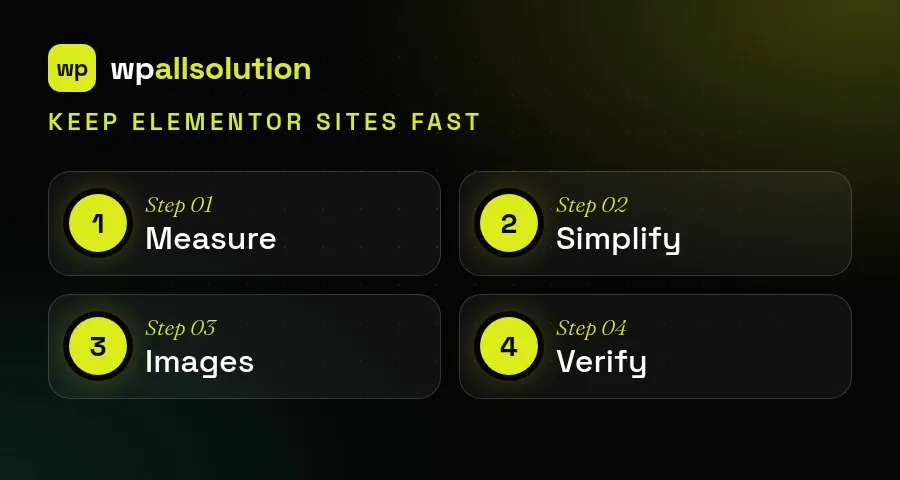
Most slow Elementor pages share the same causes: too many nested containers, large unoptimised images, several add-on packs loading code on every page and heavy effects. Fixing them in order of effect keeps the work manageable. Always compare before and after with the same test, on the same pages, because a change that feels faster is not always measurably faster.
For more detail, see the Elementor Help Center.
Sometimes a site has years of nested sections, three add-on packs and a dozen custom tweaks, and fixing it costs more than rebuilding it cleanly. That is worth knowing early. We can audit your pages and tell you which it is. See our Elementor development service, or if you want to move away from page builders, page builder migration.
Having a backup is not the same as being able to restore. What a safe WordPress backup looks like and how to…
What a good WordPress maintenance plan covers, what it usually does not, and the questions to ask before you choose one.
Where AI genuinely helps a WordPress site, where it does not, and how to add it safely: keys, privacy, cost limits and…